WhatsApp checkout
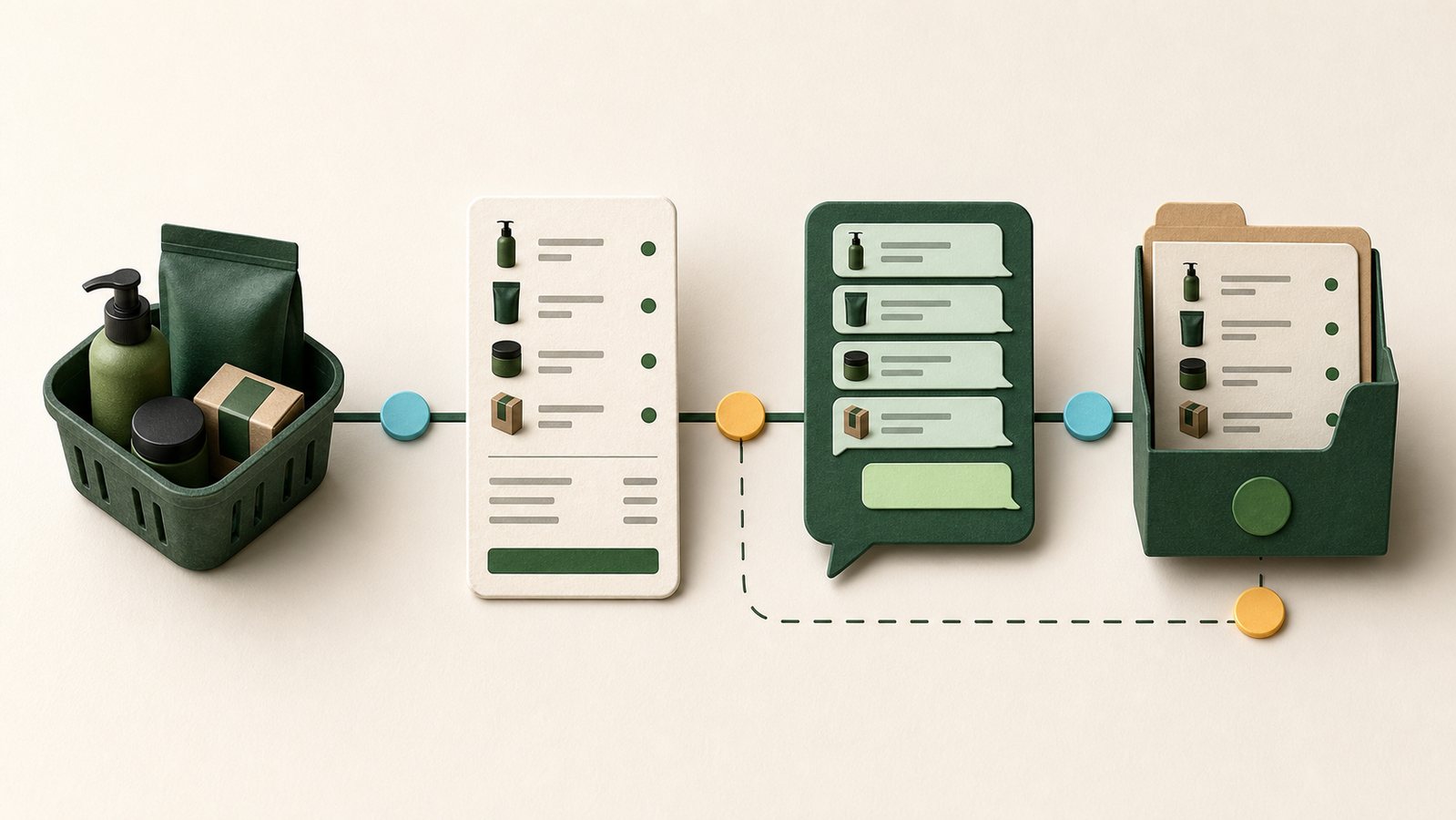
WhatsApp checkout is for businesses whose buyers often begin or finish the sale in chat. The buyer selects products first, then opens a prepared conversation that carries the order summary.
Set it up
- Open the checkout or sales-channel settings for the store.
- Add the business WhatsApp number in international format.
- Enable WhatsApp checkout.
- Confirm the products available to that checkout path.
- Save and open the storefront as a buyer.
- Add products, choose Order on WhatsApp, and inspect the prepared message.
What the buyer should receive
The prepared conversation should include the selected items, quantities, amount, and a useful order reference. The seller can then confirm delivery, availability, or any missing customer detail.
What the business should retain
The handoff should create or preserve an order trail so the sale does not exist only inside chat. A chat message alone is not proof of payment.
Verify before sharing
- Only one primary WhatsApp order action is visible.
- The number opens the intended business account.
- Product quantities and amount match the basket.
- The message contains no private internal notes.
- The merchant can find the resulting order context.