Design Studio
Design Studio lets a merchant describe what should change instead of editing page code. The generated design remains a reviewable revision until the merchant chooses to publish it.
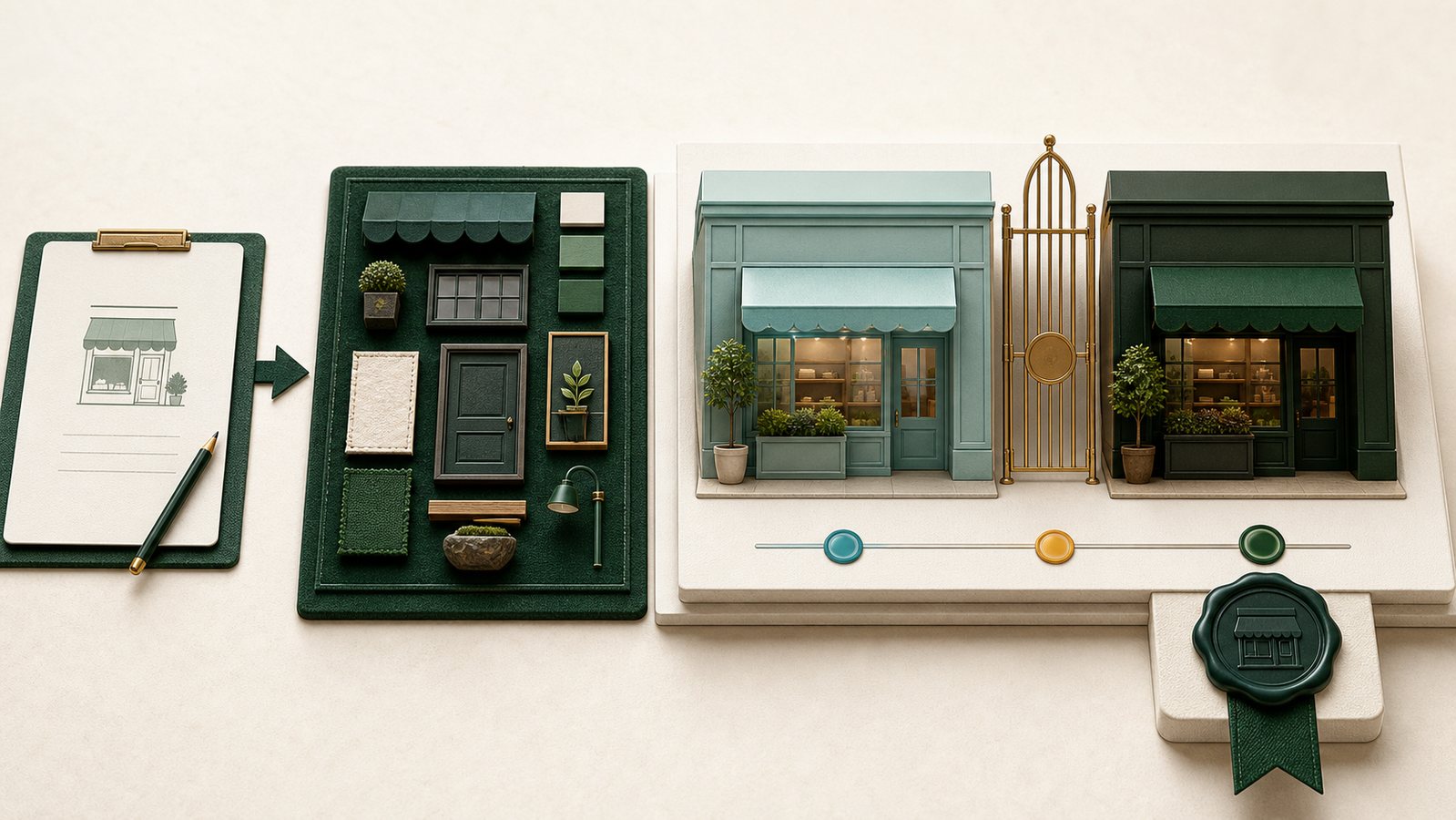
Request a design
- Open Design Studio from the current selling context.
- Describe the audience, feeling, hierarchy, and specific change.
- Generate the design.
- Review the storefront preview at mobile and desktop sizes.
- Ask for one focused revision when something is wrong.
- Publish only after products, links, checkout, and responsive behavior pass.
Write a useful request
Prefer:
Make the first screen feel calm and premium. Lead with the new collection, keep the product visible, shorten the supporting copy, and use a clear dark checkout action.
Avoid vague instructions such as “make it beautiful.” Name what should become clearer, more trustworthy, easier to choose, or easier to inspect.
Preview and live storefront
Preview is separate from the live storefront. Opening a product, collection, or filter inside preview should remain in the preview context. Publishing is the step that makes the chosen revision live.
Safe content
Design Studio uses controlled storefront building blocks. Do not place scripts, credentials, private customer data, hidden tracking instructions, or external code in a design request.
Review checklist
- The first screen shows the actual business or product.
- Product images are not distorted or hidden.
- Text fits on mobile and desktop.
- Filters and product links remain usable.
- Checkout opens the intended live path only after publication.
- No preview-only content has become a public claim.